
The Beat Player is a simple player of 13 different common drum beats, to assist you in recording your rhythm-based songs. Pick a beat, hit Record, and your demo will have a cool drum beat behind your recording.
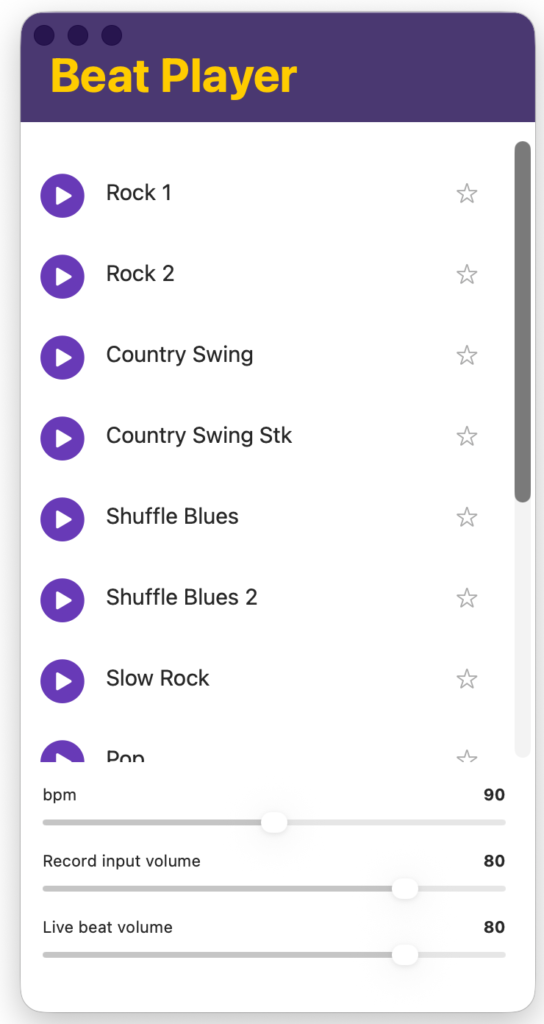
To access the Beat Player, click Record on the Home page or New Song on the Songs page.
Adjust the tempo (bpm= beats per minute) and then click your desired beat.
While the audio is playing, click Record and record your song.
For the best balance, you may need to position your vocal/guitar mic pointed toward your speakers, since the volume of the recorded beat depends entirely on how close your mic is to your speakers.
Pressing Stop on your recording will also stop the beat from playing.